Form Tracking
Track form submissions on your website alongside phone calls for complete lead attribution.
What is Form Tracking?
Form tracking captures every form submission on your website and records it alongside your call data. This gives you a complete picture of all leads, both phone calls and form fills, in one dashboard. Each form submission includes the same UTM, landing page, and click ID attribution as your calls.
Setting Up Form Tracking
Form tracking is part of the Website Tracking extension. Once enabled:
1. Go to Extensions and enable Website Tracking
2. Configure form tracking settings (optional CSS selector to target specific forms)
3. Add any field names to exclude from capture (like credit card fields)
4. Add email addresses for form submission forwarding
If you've already installed the tracking snippet for number pools, form tracking works automatically. No additional installation needed.
Email Forwarding
Want to receive form submissions by email? Add forwarding email addresses in the form tracking settings. Each new submission will be emailed to all configured addresses with the form field data and attribution information.
Viewing Submissions
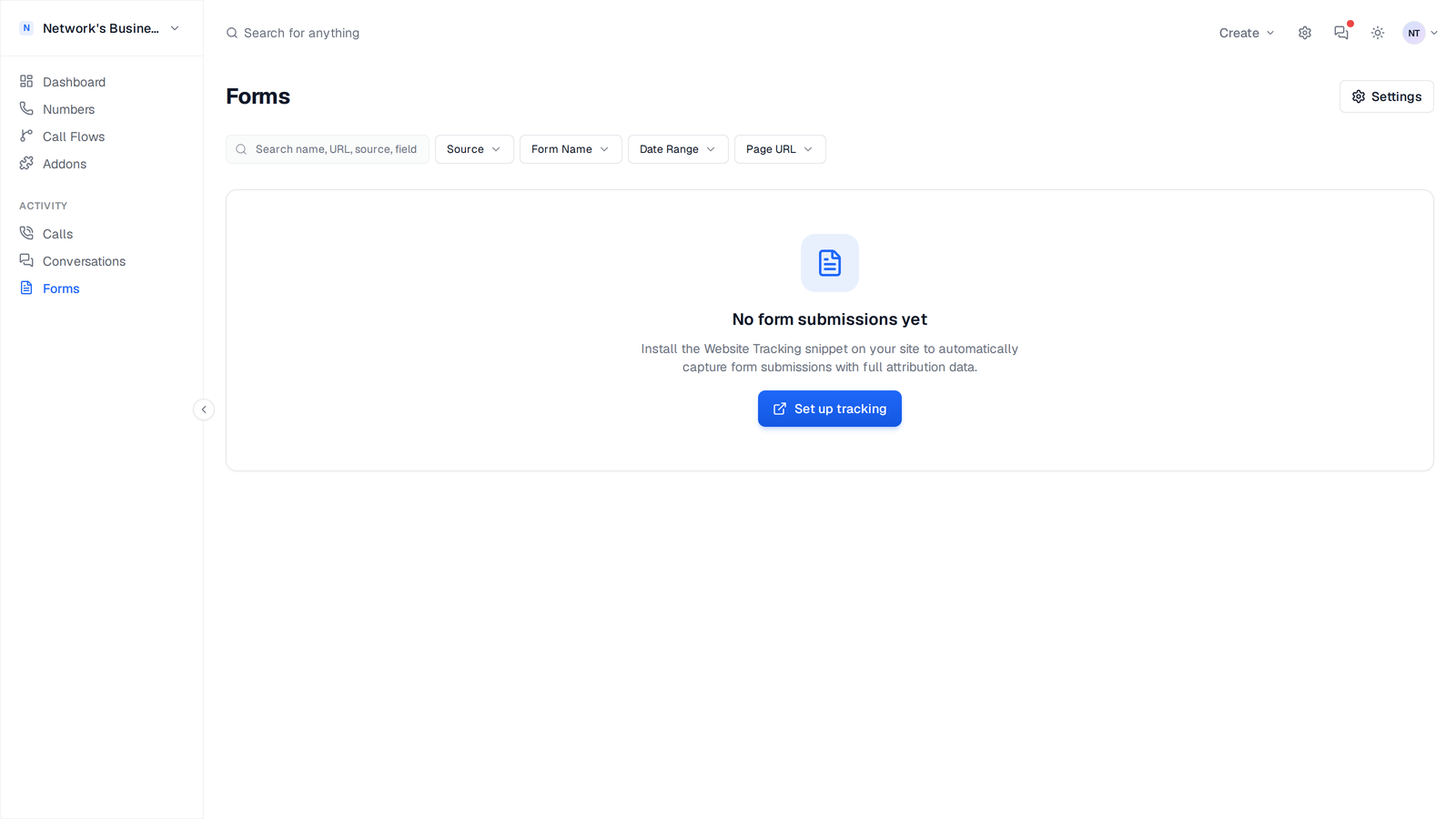
All form submissions appear on the Forms page. Each entry shows the date and time, form URL, all captured field values, UTM attribution data, landing page and referrer, and click IDs. The toolbar above the table includes Source, Form Name, Date Range, and Page URL filters plus a search across name, URL, source, and field text.
Excluded Fields
For security and privacy, you can specify field names that should never be captured. Common exclusions include password fields, credit card numbers, and SSNs.
Always exclude sensitive fields like passwords, credit card numbers, and social security numbers from form tracking.
On this page