
Close the attribution loop. When a Google Ads click turns into a phone call, CallScaler sends the conversion back to Google Ads — including gclid, call duration, and lead score. Your Smart Bidding gets smarter.
CallScaler's Google Ads integration matches phone calls to ad clicks via gclid and sends conversions back to Google Ads in real time. You can set conversion rules based on call duration, lead score, or AI qualification status so Smart Bidding optimizes for quality leads, not just any call. Unlike manual CSV uploads or basic integrations, CallScaler posts conversions within minutes of each call. This works alongside CallScaler's keyword-level tracking to show exactly which keywords drive phone revenue.
Close the loop between ad clicks and phone calls.
Link your Google Ads account to CallScaler. OAuth flow takes 30 seconds.
Choose which calls count as conversions: all calls, qualified leads only, or calls over a certain duration.
When a call comes in, CallScaler matches it to the original Google Ads click via gclid.
The conversion is posted back to Google Ads. Smart Bidding uses it to optimize your campaigns.

Feed real call data to Smart Bidding for better results.
Conversions matched to the exact click, keyword, and ad group that generated the call.
Feed real phone lead data to Google's algorithms. Bid more on keywords that generate calls.
Only count calls that meet your criteria: minimum duration, lead score threshold, or AI qualification.
Conversions sent within minutes of the call. No daily batches or manual uploads.
Assign conversion values based on lead score or call outcome. Track ROAS for phone leads.
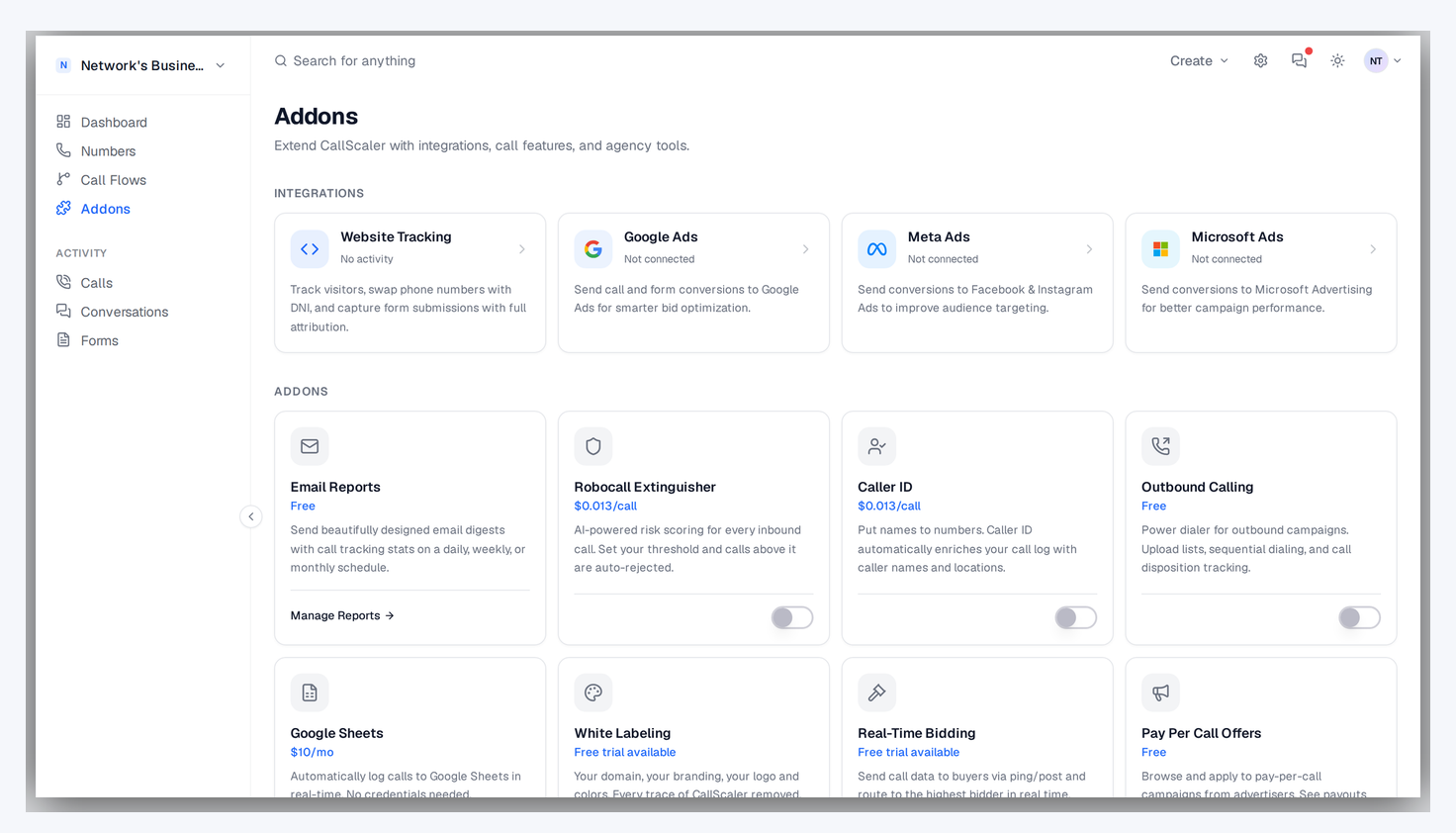
See Google Ads performance alongside call data in CallScaler's dashboard.
No credit card required. Set up in under 60 seconds.
Any advertiser running Google Ads campaigns that generate phone calls.
Google Ads Smart Bidding optimizes for the conversions you tell it about. If you only report form fills, the algorithm optimizes for form-filling audiences and keywords. It misses the phone call leads entirely. By sending call conversions back to Google Ads, you teach the algorithm that certain keywords and audiences generate phone leads. Over time, Smart Bidding allocates more budget to clicks that produce actual phone calls, improving your cost per lead without manual bid adjustments.
When someone clicks your Google Ad, Google appends a gclid (Google Click ID) parameter to the URL. CallScaler's DNI script captures this gclid and stores it with the visitor's session. When that visitor calls, CallScaler matches the call to the original click via the gclid. The conversion is then posted back to Google Ads through the API, telling Google exactly which click produced the call. This is a direct, deterministic match with no modeling or estimation involved. Every reported conversion traces back to a specific ad click.
Control which calls count as Google Ads conversions:
Use call conversion data to make smarter campaign decisions:
Connect your Google Ads account via OAuth from the CallScaler integrations page, which takes about 30 seconds. Create a conversion action in CallScaler specifying your quality criteria (minimum duration, lead score threshold). CallScaler creates the corresponding conversion action in Google Ads automatically. From that point forward, every qualifying call is posted as a conversion in real time. You can verify the setup by checking the Google Ads conversion tracking status page, where CallScaler conversions appear alongside your other conversion sources.
Get the most from your Google Ads call tracking:

Combine CallScaler's lead scoring with Google Ads cost data to calculate your true cost per qualified call by keyword. This is a more meaningful metric than cost-per-click or even cost-per-call because it accounts for lead quality. A keyword that costs $50 per click but generates calls scoring 90+ may be a better investment than a keyword costing $10 per click with lead scores of 30.

If conversions are not appearing in Google Ads, check these common issues:
Common questions about Google Ads Integration.
Works great with Google Ads Integration.
Capture gclid, msclkid, fbclid, and UTM parameters automatically. Know which keywords, ad groups, and campaigns generate phone calls — and feed that data back to your ad platforms for smarter bidding.
Learn moreSend phone call conversions to Meta Ads for Facebook and Instagram campaigns via the server-side Conversions API. Optimize for leads that actually pick up the phone, not just form fills.
Learn moreOne line of JavaScript. Every website visitor sees a unique tracking number based on how they found you — Google Ads, Facebook, organic, or direct. Visitor-level attribution without changing your site.
Learn moreSign up free and get started in under 60 seconds. No credit card required.