Call Tracking Client Portals with Custom Permissions and Data Isolation

Create branded portals for each client with customizable permissions. Clients see their calls, recordings, and reports — nothing else. Build trust and reduce support requests.

The bottom line

Last updated: February 2026

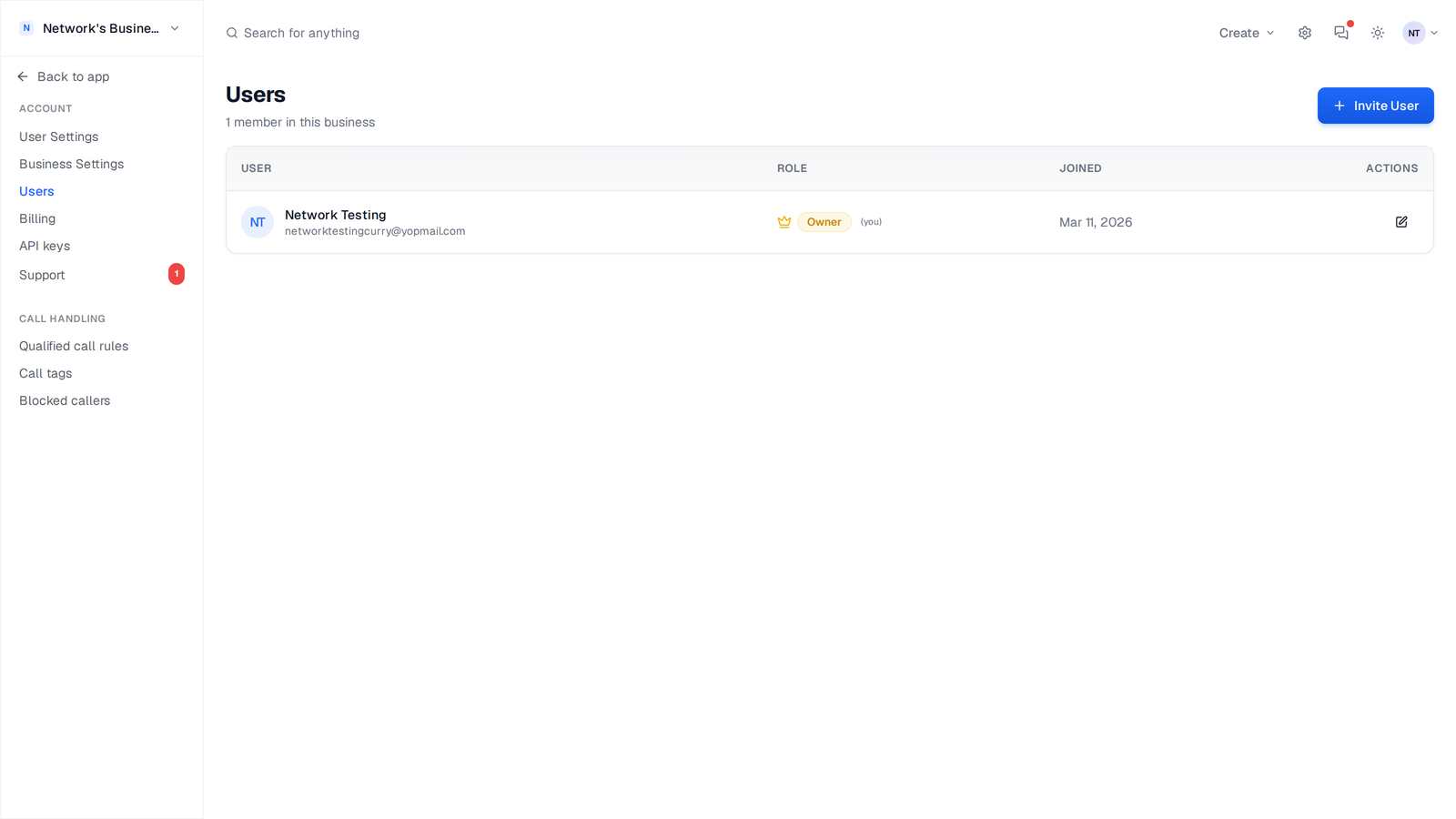
CallScaler's client portals let agencies give each client their own login with customizable permissions. Clients can view call logs, listen to recordings, read transcripts, and see analytics, but only their own data. When combined with white labeling, clients see your brand, not CallScaler's. Client portals are available on Agency ($299/mo) and Network ($599/mo) plans with unlimited client workspaces. Some competitors charge per seat or per client for similar portal features.

How it works

Give each client their own login with exactly the right access.

01

Create Client Account

Set up a client workspace with their tracking numbers, call flows, and data.

02

Configure Permissions

Choose what each client can see: call log, recordings, transcripts, analytics, or all of the above.

03

Share Login

Client receives their own login credentials. They access their portal at your domain (with white label).

04

Clients Self-Serve

Clients view their own data, listen to recordings, and export reports — without contacting you.

Client Portals in CallScaler

Key capabilities

Professional, isolated dashboards that build client trust.

Customizable Views

Control exactly what each client can see. Call log, recordings, analytics — mix and match.

Data Isolation

Each client sees only their own data. Complete isolation between client workspaces.

White Label Ready

Combine with white labeling for a fully branded experience. Clients never see CallScaler.

Multi-User Access

Clients can invite their own team members with configurable permission levels.

Client-Facing Reports

Clients see clean, professional reports. No clutter, no confusion.

Email Notifications

Clients can configure their own call notifications and daily/weekly summaries.

Try Client Portals free

No credit card required. Set up in under 60 seconds.

Who uses client portals?

Agencies and service providers managing call tracking for clients.

Marketing agencies giving clients visibility into call performance
Lead gen companies sharing call data with buyers
Franchises providing call reports to individual locations
Managed service providers offering call tracking as part of their package

What client portals look like in practice


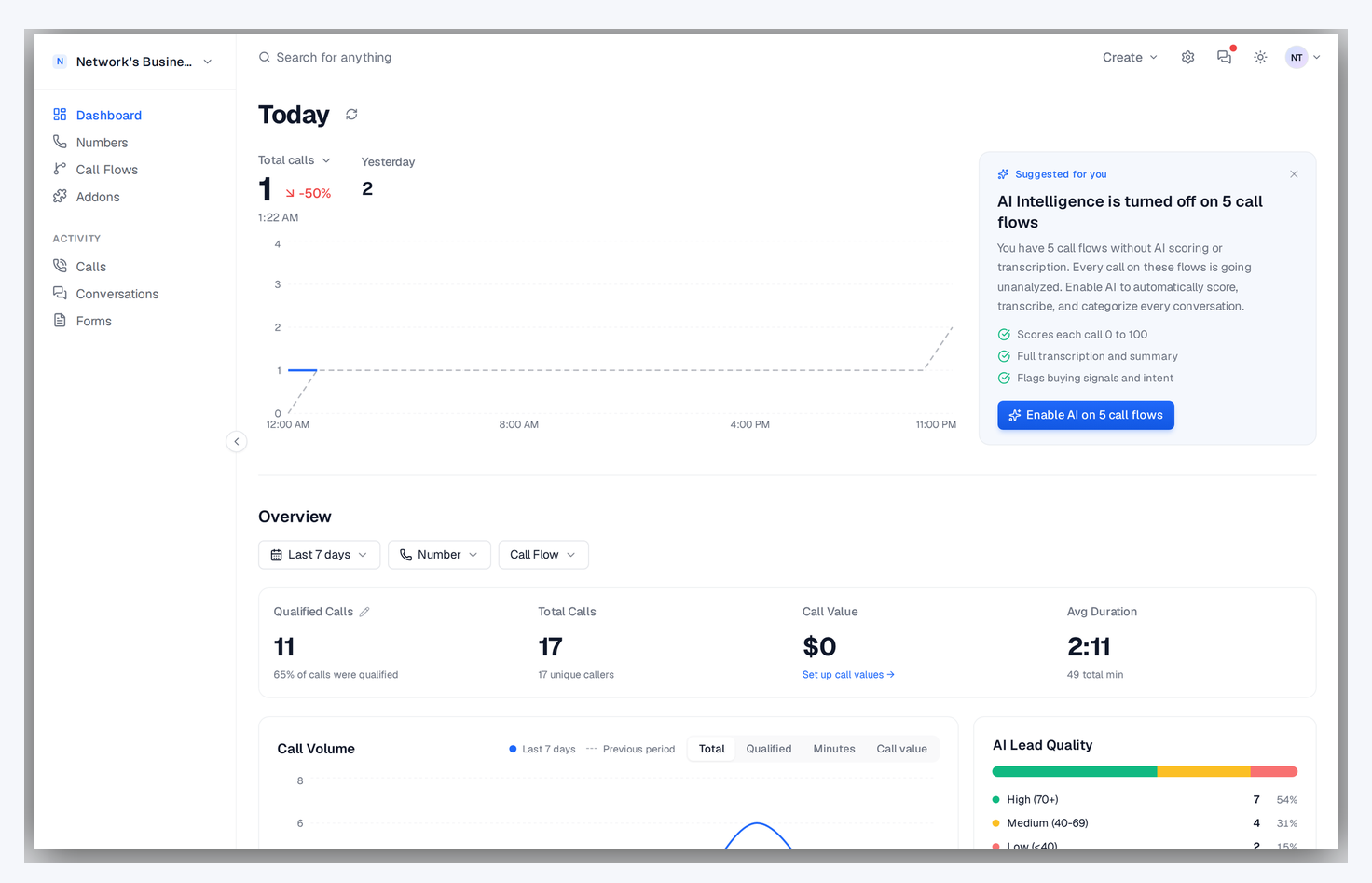
Each client gets their own login that opens a clean dashboard showing only their data. They see their call log with recordings and transcripts, their analytics with source attribution, and their reports. They do not see other clients, your billing, or your internal settings. The experience feels like a dedicated platform built just for them. When combined with white labeling, clients see your brand on the login page and throughout the interface, with no trace of CallScaler anywhere.
Configuring permissions per client

Control exactly what each client can access in their portal:

  • Call log access with or without recording playback and transcript visibility
  • Analytics dashboard with customizable date range and filter options
  • Report generation and CSV export capabilities for self-service reporting
  • Notification settings so clients can configure their own email alerts
  • Team management allowing clients to invite their own staff members
  • Number management for clients who need to see or modify their tracking numbers

Reducing support requests with self-service

The biggest operational benefit of client portals is fewer inbound questions from clients. Instead of emailing you to ask 'how many calls did we get this week?' clients log in and see the answer themselves. Instead of requesting call recordings, they play them directly in the portal. Instead of waiting for monthly reports, they generate their own on demand. This self-service model scales much better than manually pulling data for every client request, especially as your agency grows beyond 10 or 20 clients.


Client portal with white labeling

Combine portals with white labeling for a fully branded experience:

  • Custom domain like calls.youragency.com appears in the browser bar
  • Your logo and brand colors replace CallScaler branding throughout the interface
  • Login pages display your company name and branding, not CallScaler
  • Email notifications come from your domain so clients see a consistent brand
  • Clients can share their portal with team members who also see your branding

Setting up portals for different client types

Not all clients need the same portal configuration. A hands-on marketing manager might want full access to call recordings, transcripts, and analytics. A business owner who just wants a weekly summary might only need basic call counts and a scheduled report. Pay-per-call buyers might need real-time call log access with lead scores but no need for analytics dashboards. Configure each portal to match what the client actually uses, keeping the experience clean and focused.

Client portals vs email reports

Some clients prefer self-service access via a portal. Others prefer receiving scheduled email reports. CallScaler supports both. For hands-on clients who want to listen to recordings and dig into analytics, a portal is essential. For clients who just want a weekly summary, scheduled reports deliver what they need without requiring them to log in. Many agencies use both: portals for active clients and reports as a fallback for less engaged ones.

Scaling portals across your client base

Manage client portals efficiently as your agency grows:

  • Use templates for common portal configurations to speed up new client onboarding
  • Review portal usage periodically to see which clients actually log in
  • Combine portals with white labeling so every touchpoint reinforces your brand
  • Enable client-side notifications so they get alerted about new calls without logging in
Scaling portals across your client base

Client portal security and data isolation

Every client portal is completely isolated. Client A cannot see client B's data under any circumstances. This isolation applies to call logs, recordings, analytics, and settings. Each portal has its own login credentials and can support multiple users with different permission levels. For agencies handling sensitive industries like healthcare or legal, this data isolation is a compliance requirement, not just a nice-to-have.

Frequently asked questions

Common questions about Client Portals.

Ready to try Client Portals?

Sign up free and get started in under 60 seconds. No credit card required.