
Meta Ads Call Tracking for Facebook and Instagram via Conversions API

Send phone call conversions to Meta Ads for Facebook and Instagram campaigns via the server-side Conversions API. Optimize for leads that actually pick up the phone, not just form fills.

The bottom line

Last updated: February 2026

CallScaler sends phone call conversions to Meta Ads (Facebook and Instagram) via the server-side Conversions API (CAPI). This means no cookie dependency and no browser ad blockers affecting your data. The integration captures fbclid from website visitors via DNI, matches calls to ad clicks, and posts conversion events server-side. You can filter to only send qualified calls based on duration or lead score. Most call tracking platforms either lack CAPI support or charge extra for it.

How it works

Server-side call conversions for Facebook and Instagram ads.

01

Connect Meta Ads

Enter your Meta Pixel ID and Conversions API access token. Setup takes under a minute.

02

fbclid Captured

CallScaler's DNI script captures the fbclid from every Facebook/Instagram visitor on your site.

03

Call Matched

When the visitor calls, CallScaler matches the call to the original Meta ad click.

04

Event Sent via CAPI

A server-side conversion event is sent to Meta. Your campaigns optimize for phone leads.

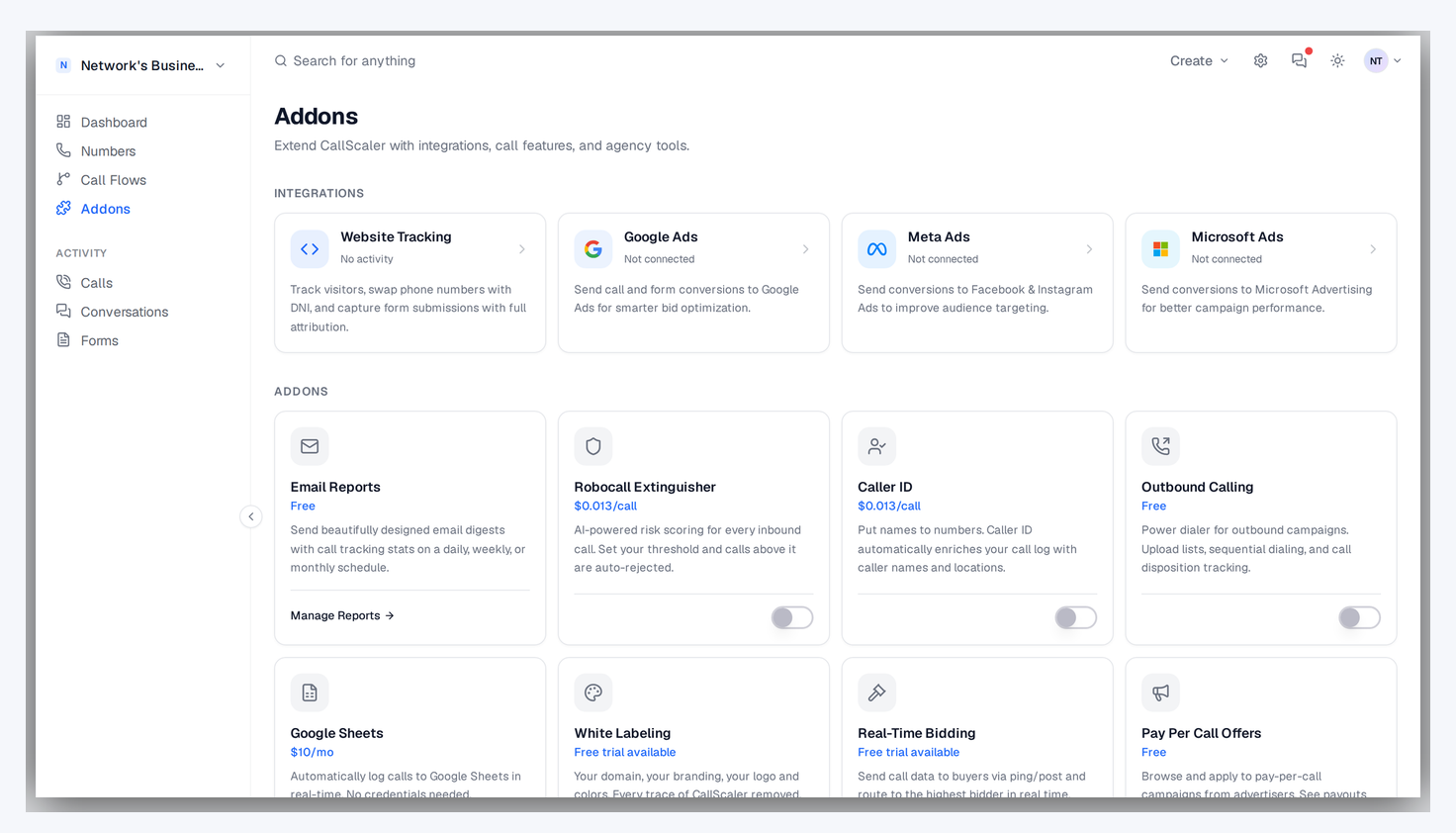
Meta Ads Integration in CallScaler

Key capabilities

Cookie-free conversion tracking that ad blockers cannot stop.

Conversions API (CAPI)

Server-side event delivery. No cookie dependency, no browser blockers, maximum data coverage.

fbclid Matching

Match calls to the exact Facebook or Instagram ad click that generated them.

Campaign Optimization

Meta's algorithms learn which audiences generate phone calls. Better targeting, lower CPA.

Qualified Leads Only

Only send conversions for calls that meet your quality criteria.

Privacy Compliant

Server-side delivery respects user privacy. No third-party cookies required.

Attribution Reporting

See which Facebook campaigns, ad sets, and ads drive the most phone calls.

Try Meta Ads Integration free

No credit card required. Set up in under 60 seconds.

Who uses Meta Ads integration?

Advertisers running Meta campaigns that generate phone leads.

Local businesses running Meta lead gen ads on Facebook and Instagram
Agencies managing Meta campaigns for phone-based clients
E-commerce brands with phone sales teams using social ads
Real estate agents tracking which social ads generate listing calls

Why Meta Ads integration matters for phone leads

Meta's advertising algorithm optimizes for the conversions you report. If you only track form submissions, Meta finds more form fillers. By reporting phone call conversions, you teach the algorithm to find audiences who are likely to call. This is especially valuable for local service businesses and lead gen companies where the phone call is the primary conversion event. Without call tracking, your Meta campaigns are flying blind on the leads that matter most to your business.
How the Conversions API works

Unlike the Meta Pixel which runs in the browser and is blocked by ad blockers and cookie restrictions, the Conversions API (CAPI) sends events directly from CallScaler's servers to Meta. This means your call conversion data reaches Meta regardless of the visitor's browser settings, ad blockers, or iOS privacy restrictions. CallScaler captures the fbclid from the visitor's URL via DNI, matches it to the call when it happens, and posts the conversion event server-side. This approach provides more complete data than pixel-only tracking.

Setting up the Meta integration

Get call conversions flowing to Meta in a few steps:

  • Enter your Meta Pixel ID and Conversions API access token in CallScaler's integration settings
  • CallScaler's DNI script automatically captures fbclid from every Facebook and Instagram visitor
  • Configure which calls count as conversions using duration, lead score, or AI qualification rules
  • Conversion events are sent via CAPI within minutes of each qualifying call
  • Verify the integration using Meta's Events Manager test events tool
  • The same setup covers both Facebook and Instagram ads since they share the Meta platform

Optimizing Meta campaigns for call quality

Use call data to improve your Meta ad performance:

  • Report only qualified calls (lead score 70+) so the algorithm optimizes for quality, not just volume
  • Compare call conversion rates across different ad sets and audiences
  • Test different ad creatives and measure which ones generate the most phone calls
  • Use call data to build lookalike audiences based on people who actually called and converted
  • Monitor cost per qualified call as your primary Meta campaign KPI

CAPI vs pixel-only tracking

Many advertisers still rely solely on the Meta Pixel for conversion tracking. The problem is that ad blockers, iOS App Tracking Transparency, and browser cookie restrictions mean the pixel misses a growing percentage of conversions. The Conversions API bypasses all of these limitations because data is sent server-to-server. For phone call tracking specifically, CAPI is the only reliable option since calls happen off-site and there is no pixel to fire. CallScaler's CAPI integration ensures every qualifying call is reported to Meta without any data loss.

Meta Ads integration for agencies

Agencies running Meta campaigns for clients can set up the CAPI integration per business in CallScaler. Each client's Meta account gets its own connection with its own conversion rules. This lets you manage Facebook and Instagram call tracking for all your clients from one CallScaler account while keeping data and conversion events properly isolated.

Meta Ads integration for agencies

Building lookalike audiences from call data

Use call conversion data to improve Meta targeting:

  • Report qualified calls as conversions so Meta learns what a good lead looks like
  • Build lookalike audiences based on people who called and converted
  • Use lead score thresholds to only feed high-quality signals to Meta's algorithm
  • Compare audience segments by average call lead score to find the best targets

Monitoring your Meta integration

After setup, verify conversions are flowing by checking Meta's Events Manager. You should see server events from CallScaler appearing alongside any pixel events. Monitor the event match quality score — higher scores mean Meta can better match events to user profiles. If match quality is low, ensure your DNI script is correctly capturing fbclid from all Facebook and Instagram visitors on your site.

Frequently asked questions

Common questions about Meta Ads Integration.

Ready to try Meta Ads Integration?

Sign up free and get started in under 60 seconds. No credit card required.